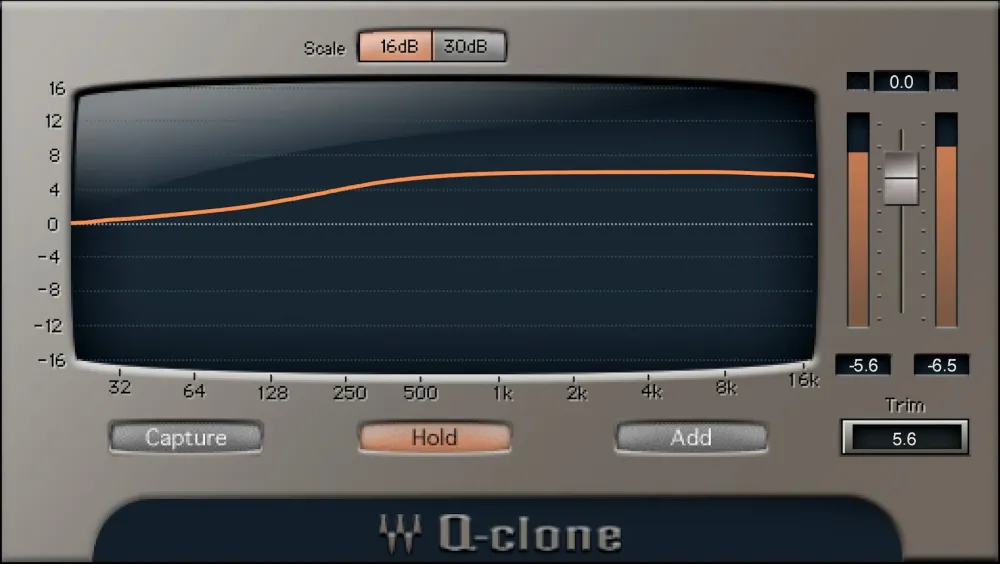
Q-Capture/Q-Clone-kombinasjonen løser tre avgjørende begrensninger med utendørs analog EQ: Du kan ikke bruke mer enn én instans av en hardware-prosessor, du kan ikke lagre forhåndsinnstillinger, og du kan ikke se den faktiske kurven som blir brukt—som ofte ikke samsvarer med panelmerkingene.
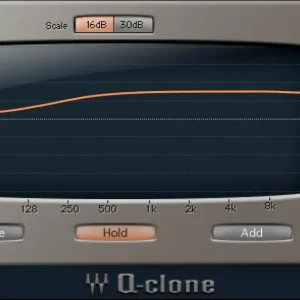
Q-Capture “sampler” kurven til en hardware EQ. Lagre den som en Q-Clone plugin forhåndsinnstilling, sett den inn i så mange spor du vil, og se den eksakte kurven representert grafisk. Det er ganske magisk.
Features
- Use hardware EQ curves on as many DAW tracks as you want
- Bring the sound of classic hardware into your DAW’s projects
- Comes with a huge collection of presets from vintage hardware EQs
- Use virtual cables for cloning plugins without an audio interface
- Save analog EQ settings as a plugin preset
- Mix and match curves from different EQs
- Displays what’s really happening with analog EQ curves
- Clone plugins—save curves from several series EQs as one preset
System Requirements
macOS
OS: macOS
CPU: Intel or Silicon Architecture
RAM: 8 GB
Disk: 16 GB
Additional Requirements: Minimum: 1024×768 Recommended: 1280×1024 / 1600×1024 USB displays are not supported as the primary display.
Windows
OS: Windows
CPU: X64 compatible Intel or AMD CPU
RAM: 8 GB
Disk: 16 GB
Additional Requirements: Minimum: 1024×768 Recommended: 1280×1024 / 1600×1024
Omtaler
Det er ingen omtaler ennå.